
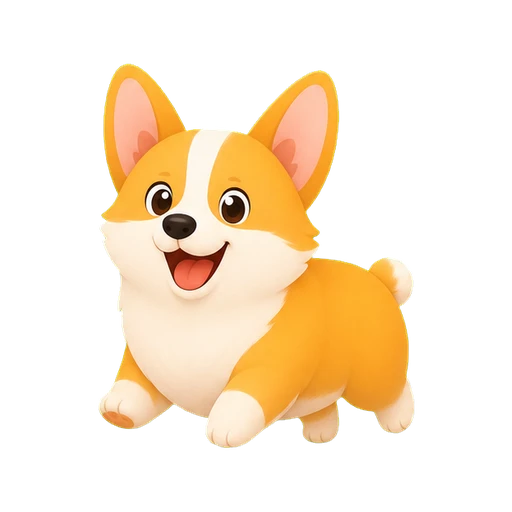
A familiar friend
Corgi
7,500 steps a day
A little walking companion
A little dog to brighten your daily steps. Keep your pup close with widgets and collect memories of the days you reach your goal.
New in 1.3: more ways to celebrate

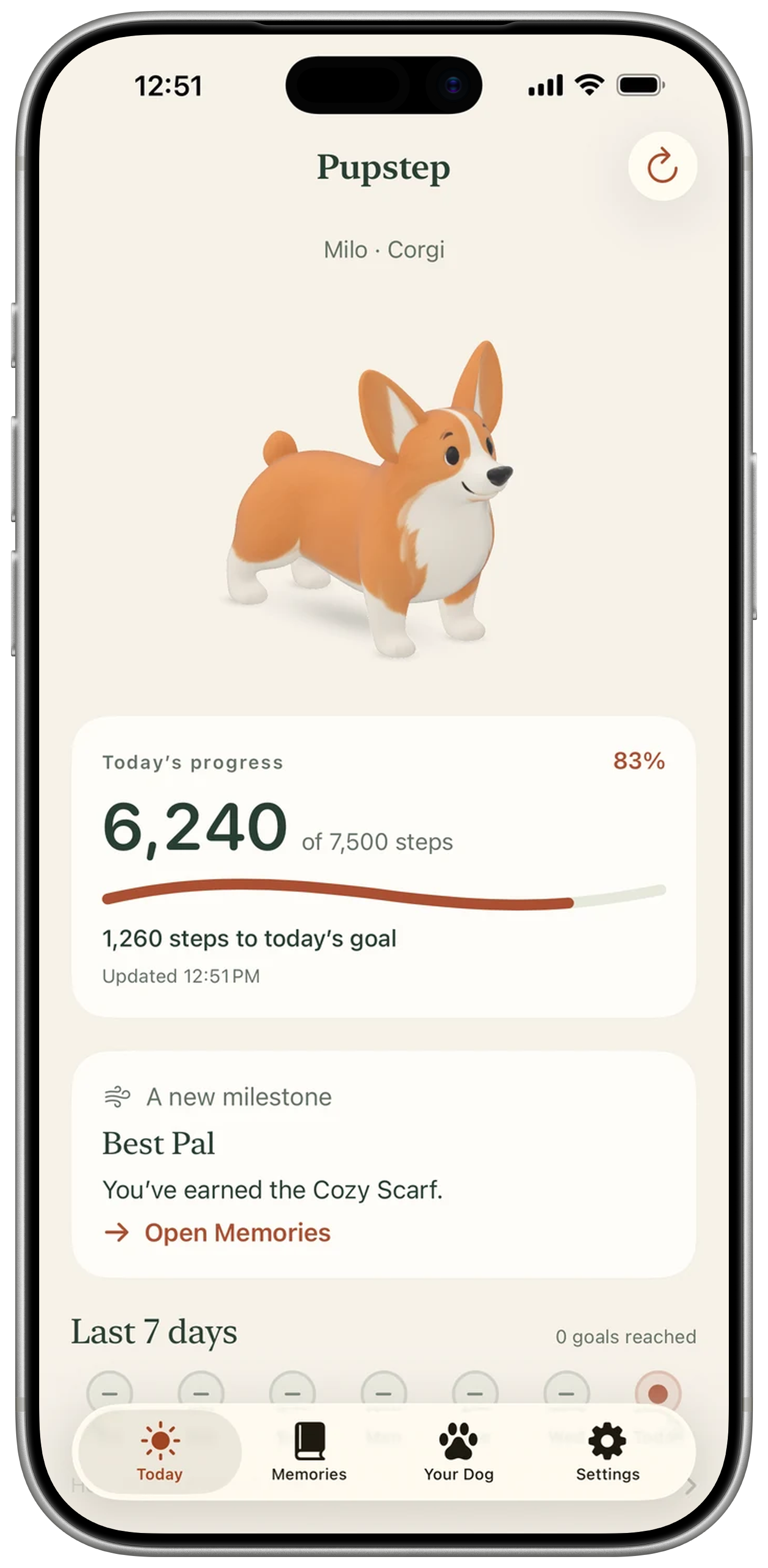
New in version 1.3
A familiar face when you check in. A happy little celebration when you reach your goal.
More personality in the moments you share.
A silent clip of your pup greeting you, bowing for a daily goal, raising a paw for a milestone and hopping for a personal best.
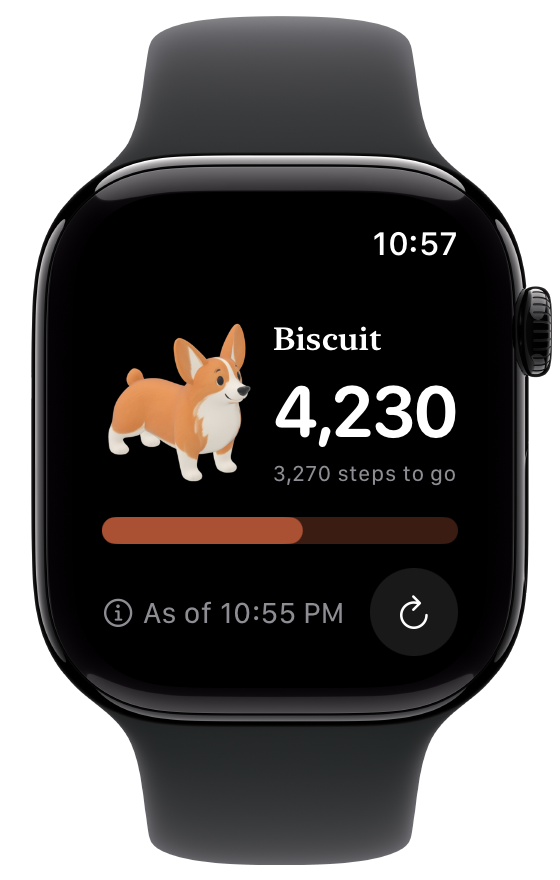
On Apple Watch
See your dog, daily steps or distance, and how far you have to go. A little company for every walk.
Requires a paired iPhone for setup and watchOS 26 or later. Choose your dog and outfit on iPhone. Watch updates follow watchOS scheduling.
Watch setup and help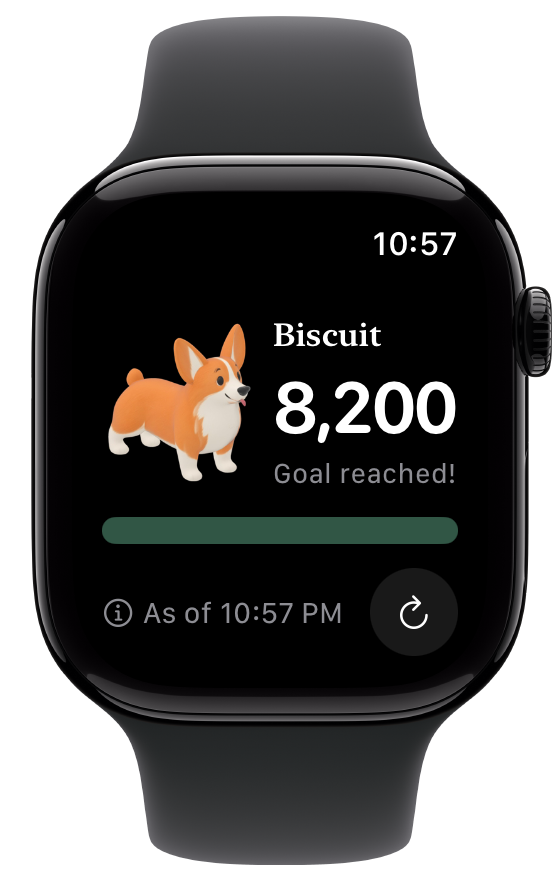
One day at a time
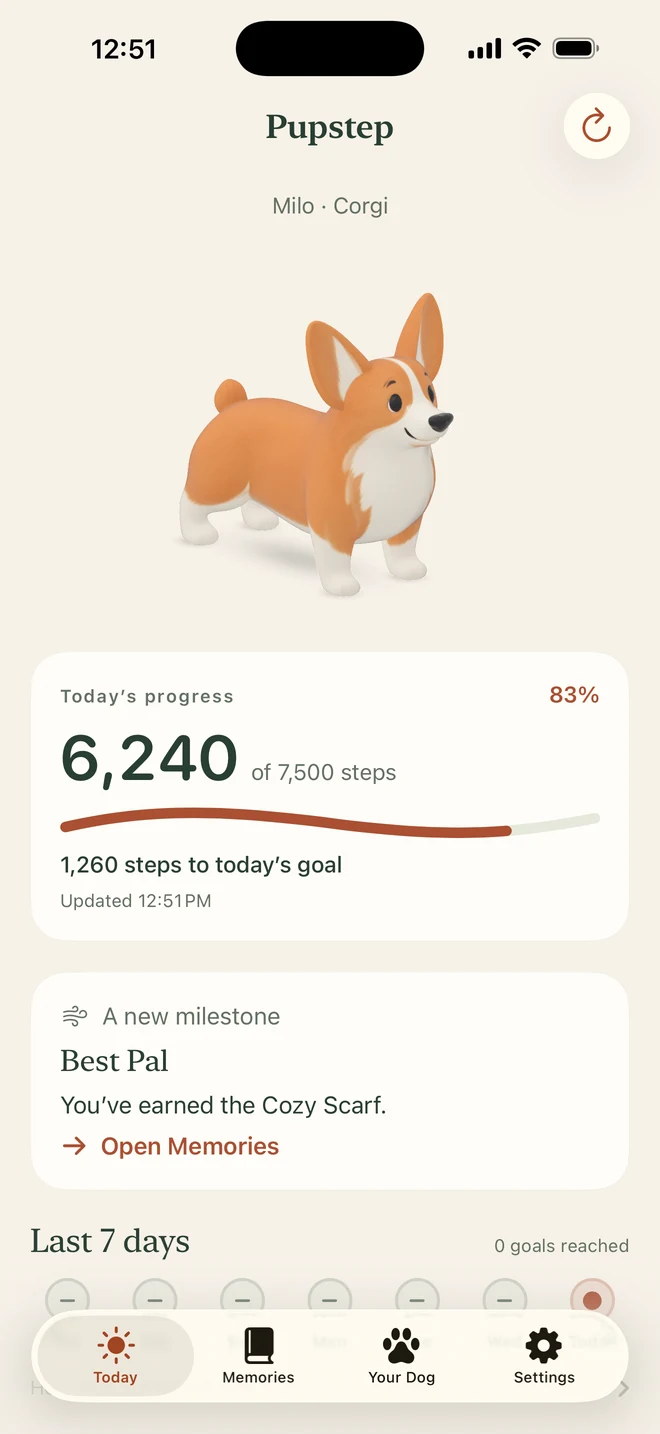
Name your pup on iPhone and head out together. Pupstep counts your steps with Apple Health.
Tap your pup for a playful greeting.
Watch the path fill as you walk.
Reach your goal for a celebration and a memory to keep.
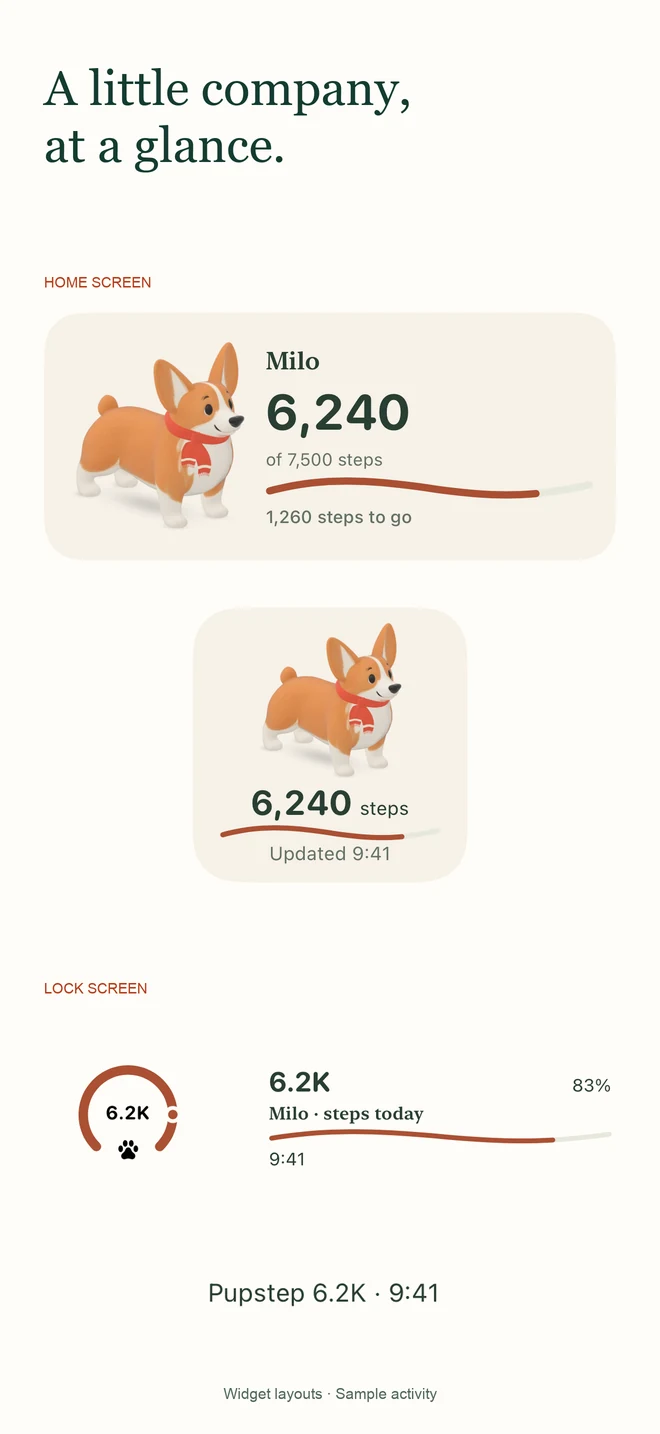
A friendly glance
Your pup and today’s progress, right on your Home Screen. A quick peek on your Lock Screen, too.
Explore the widgetsPages worth keeping
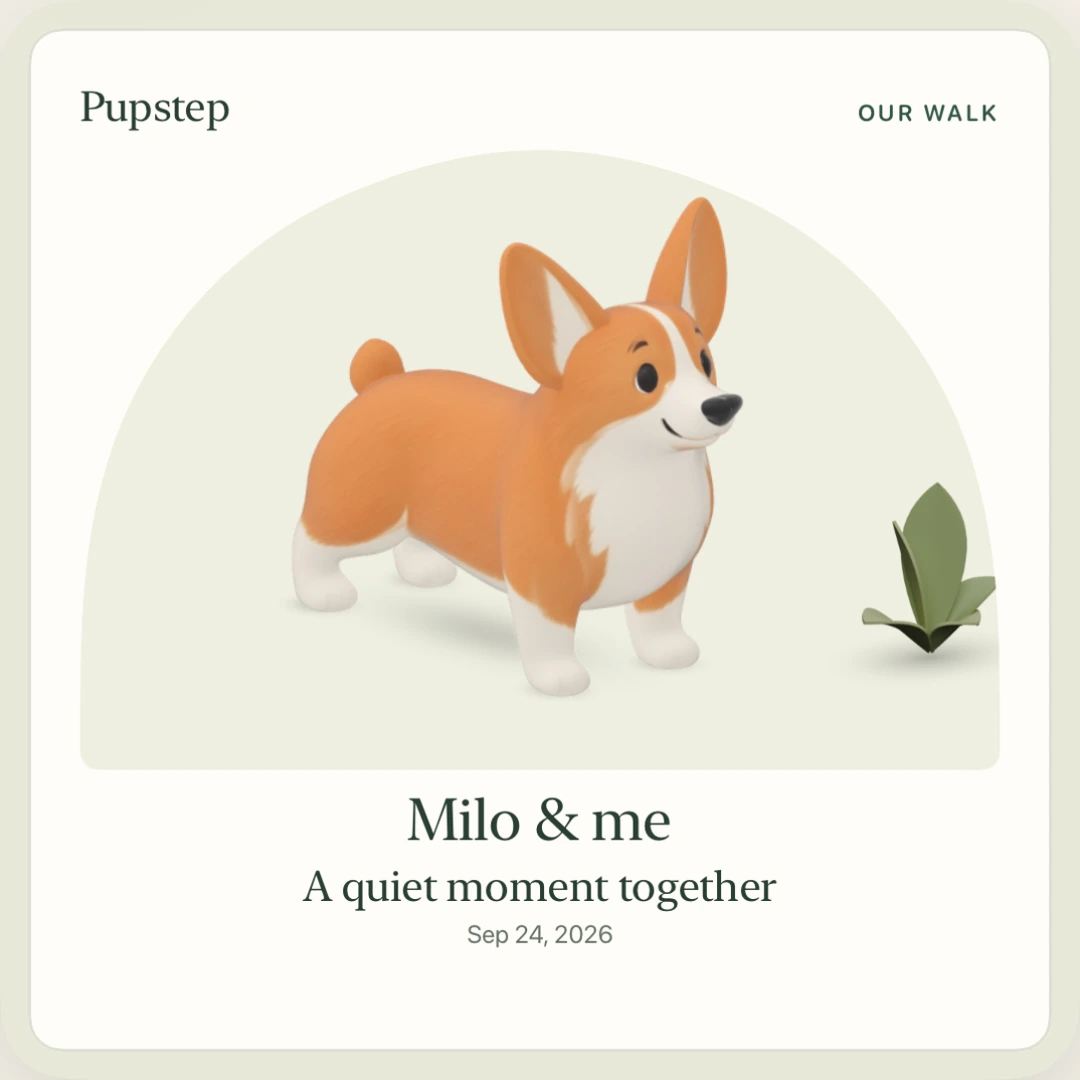
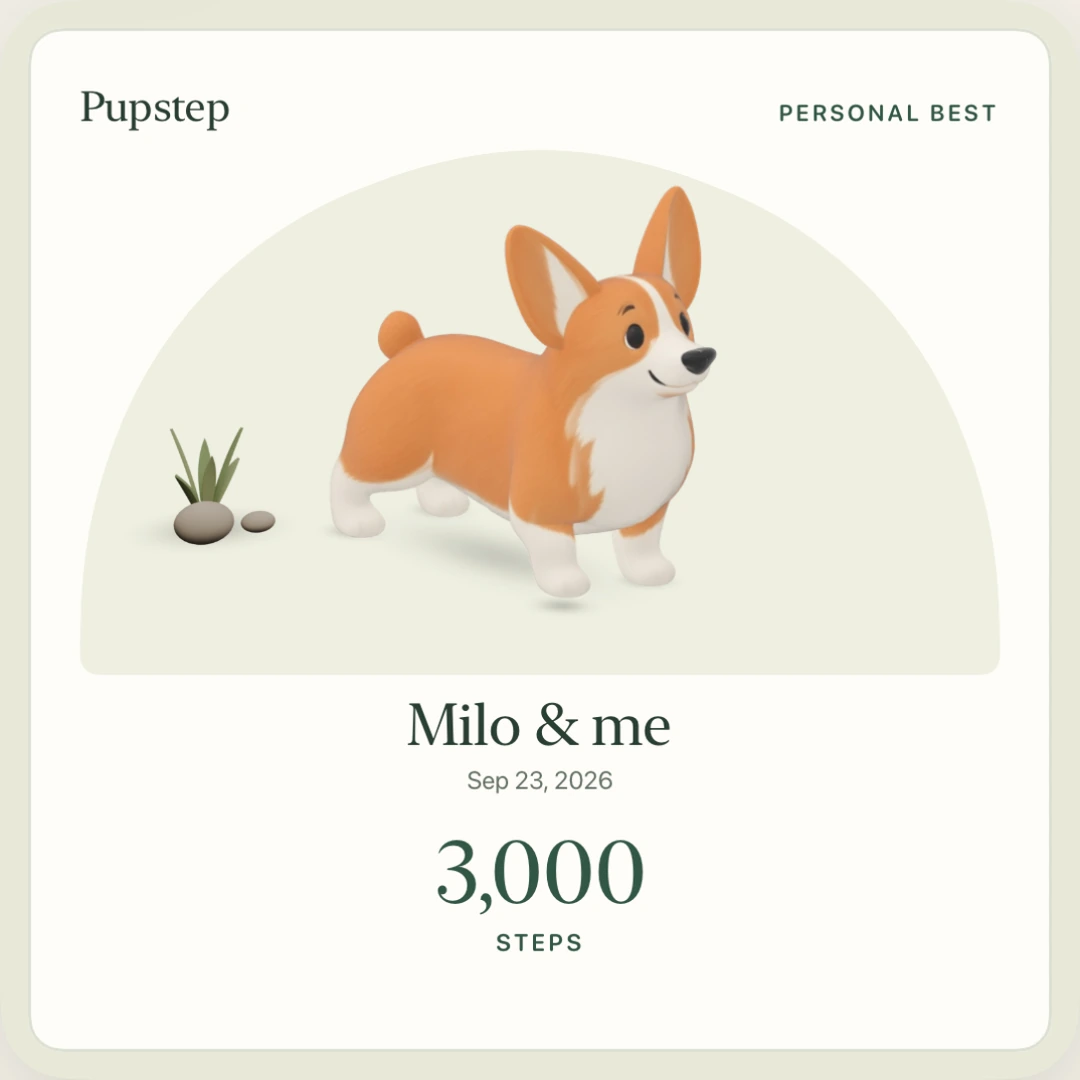
Keep your favorite moments close, from daily goals to personal bests. A little postcard of the pup who was there.
Save it for yourself, or share a little joy.
Your bond grows with every goal reached. Days off won’t take it away.
Find your pace
Choose a name and a favorite outfit. Mix compatible accessories and turn your pup around to admire the look.
A familiar friend
7,500 steps a day
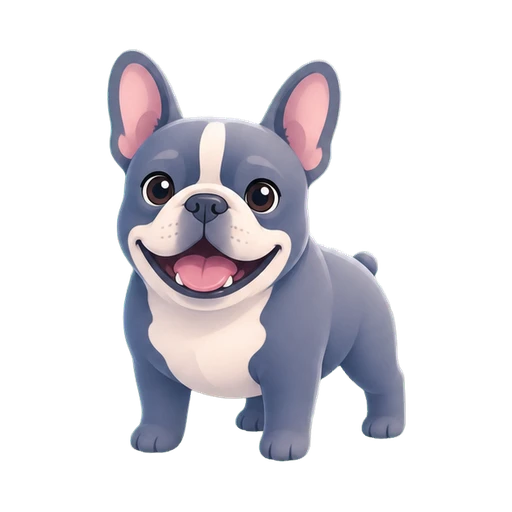
A little companion
6,000 steps a day
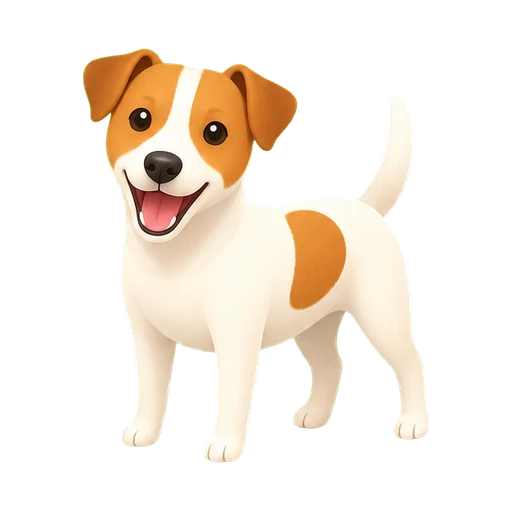
A little companion
10,000 steps a day
Private by design
Your activity stays on your devices. Your memories stay on iPhone. You choose what to share.
Before your first walk
The practical things
Yes. Pupstep includes a Watch app, Smart Stack widget and watch-face complications. Set up your pup on a paired iPhone first. With Health access, the Watch can then read activity while your phone is away.
Your Corgi, step tracking, widgets and memories. Other breeds and optional accessories are one-time purchases, with no subscription.
Missed goals can make your pup chubbier. Reaching the daily goal helps them recover. Your bond and everything you’ve earned stay yours.
Widgets show a still view of your pup and progress. Animations play in the app. iOS decides when widgets update; opening Pupstep checks for new activity.
Your best day yet for steps or distance, based on the history Pupstep has saved. It can happen even before you reach your daily goal. Read about records.
Yes. Open a postcard in Memories, choose whether to keep the numbers on it, and decide where it goes. Some cards start with activity shown; you can hide it before sharing.
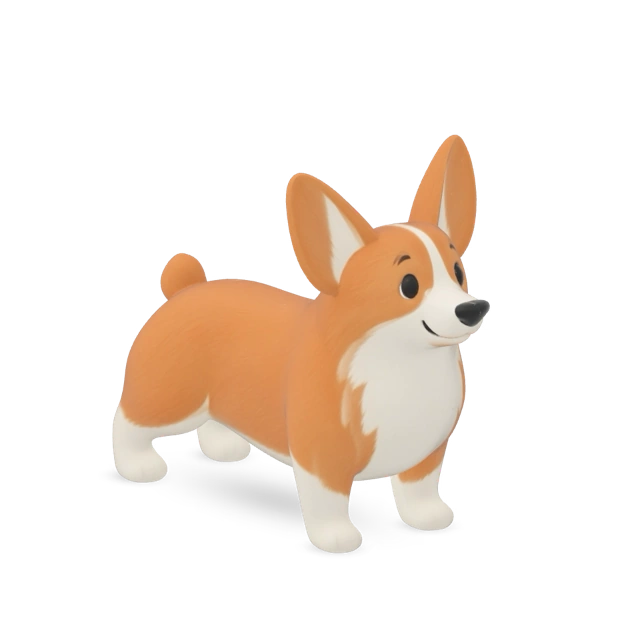
Your first page is waiting