iPhone widgets

Dog widgets for iPhone: what they can actually do

A dog widget can turn a dry step count into a tiny companion check-in—but it still follows Apple Health permissions and iOS refresh rules.

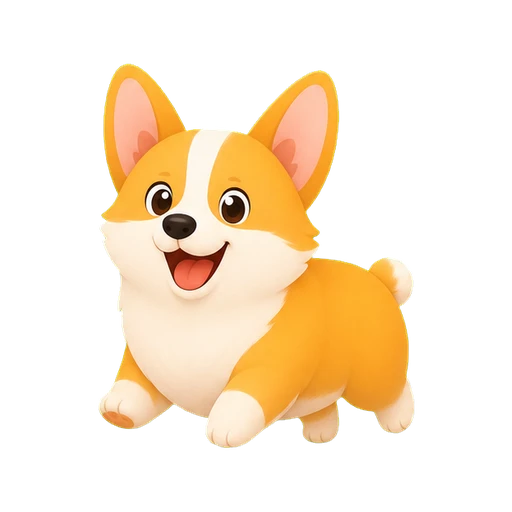
Happy Pupstep corgi
The short answer

Pupstep gives you a dog and walking-progress widget for both the iPhone Home Screen and Lock Screen. The Corgi and core experience are free. You connect Apple Health, add a widget from the iOS widget gallery, and open Pupstep whenever you want to refresh the latest saved activity.

Home Screen and Lock Screen widgets serve different moments

A Home Screen widget has room for your dog, a progress ring, and a clear step or distance value. It works best as a friendly visual reminder during the day.

A Lock Screen widget is more compact. It is designed for a fast progress check without opening the app. Both use the same locally saved Pupstep activity snapshot.

How to get a Pupstep dog onto your screens

  1. Install and open Pupstep. Name your Corgi and review the clear Apple Health permission explanation.
  2. Allow read access. Pupstep asks only for steps and walking/running distance used by the app and widgets.
  3. Use the in-app widget checklist. Pupstep keeps setup guidance visible until iOS reports that a Pupstep widget is configured.
  4. Add Pupstep from the iOS widget gallery. Choose the Home Screen or Lock Screen placement that fits how you check progress.
  5. Open Pupstep after a walk. This fetches and saves the newest readable Apple Health progress for the widget.

Why widget progress may not change immediately

Widgets are not live dashboards. iOS decides when they redraw, and Apple Health can take time to expose new activity. Pupstep saves a fresh snapshot when the app opens and asks WidgetKit to reload, but it does not promise an instant background update.

If the number looks old, open Pupstep once. The app shows when progress was checked and provides guidance for Apple Health access, Background App Refresh, and Low Power Mode when relevant.

A dog widget should still respect your privacy

Pupstep does not need an account, advertising ID, or third-party analytics SDK. Apple Health activity is processed on your iPhone for the app and widget. It is not uploaded to a Pupstep server.

Optional breeds and accessories change how the companion looks. They do not unlock better activity tracking or change the step calculation.

Which widget style is right for you?

Try the private dog step tracker

Name a Corgi, build a bond without streak pressure, and add your buddy to the screens you already check.

Download on the App Store

Related Pupstep guides